


- Published
- Updated
What Is Vector Search?
Vector search finds related content by comparing embeddings. Learn how vectors, similarity, approximate nearest-neighbor search, and hybrid retrieval work together.
A user searches the docs for keep users logged in.
The answer may live under a heading called “Configure session lifetime.” A keyword search can match users or session, but it may miss the answer when the writer talks about a timeout, an idle period, or a cookie that lasts for seven days. The reader and the docs are describing the same need with different words.
Nearby does not mean correct. A nearby passage is a candidate, not a verdict. Vector search helps with that first gap: it turns the query and each searchable passage into lists of numbers, then compares the lists to find related ones.
What is vector search?
The word “vector” sounds mathematical, but the first idea is simple. A vector is a row of numbers that describes a position. On a map, a coordinate such as (3, 5) tells you where a point sits compared with other points. The numbers do not mean much by themselves; the position they make together is what we use.
Here is a tiny vector:
[0.12, -0.44, 0.81, 0.09, ...]The same is true here. 0.12 is not “the session number,” and -0.44 is not “the timeout number.” Meaning comes from the pattern across the whole list. A search system compares one complete vector with another, looking for vectors that land near one another under the chosen comparison method.
For text, a model creates one vector for the query and one for each passage. The vector made for a piece of text is called an embedding. So the next question is not “what does each number mean?” It is “how did the model learn to place related uses near one another?”
What is an embedding?
An embedding is the fixed-size list of numbers a model returns for a piece of content. The model turns text into numbers so a computer can compare that text with other text.
To make the list, the model first breaks the text into small pieces called tokens. A token may be a whole word, part of a word, or punctuation. The model processes those pieces together through a trained neural network and returns one list with the same length every time the same model and setup are used.
Developers do not choose those numbers by hand. During training, the model sees examples of how text is used and adjusts its internal settings. When two pieces are used in related ways, training pushes their output lists closer together. When a piece is unrelated, it should stay farther away. That repeated adjustment shapes the map. The model uses the same internal map for every passage. Think of this as the model's internal map for comparing meaning.
The map is useful even though it is not a literal picture. During training, related uses are encouraged to produce nearby vectors in that learned space, while unrelated uses stay farther apart. It is a useful mental model, not a literal picture with human-readable x/y meanings.
That learned space gives us a bridge to stored search data. If an entire page covers many unrelated ideas, one vector has to blur them together. Search usually needs smaller pieces.
What gets embedded?
A search system could make one embedding for a whole page. That is often too coarse. A session guide might explain cookie lifetime, idle timeout, logout behavior, and account security. One page-level vector has to represent all of those ideas at once.
Many systems split a page into smaller passages called chunks:
- Set the session lifetime
- Explain the idle timeout
- Keep users signed in after a restart
- End a session when the user logs out
Each chunk gets its own embedding. Search can now retrieve the passage about lifetime instead of returning a broad page and asking the reader to hunt through it.
Smaller chunks are not automatically better. If a warning lands in the next chunk, the result may lose the context that makes the setting safe. Chunking is a balance: narrow enough to be specific, but wide enough to keep the idea complete.
How vector search works
The full search path has five jobs. The first two happen while content is indexed. The other three happen when a user searches. The illustration shows the whole route before we walk through each handoff.
1. Prepare the searchable content
The system reads the pages or records it wants to search. It may clean the text, split long pages into chunks, and attach details such as the URL, section heading, product version, language, or publication date.
Those details are metadata. They let later stages remove an old version or prefer the right language. This work happens before a reader types a query, so the stored content is ready when the request arrives.
2. Create content embeddings
The embedding model turns each chunk into a vector. The system stores that vector beside the original text and its metadata. When a reader later searches, the query must be embedded in a compatible way.
Common model families you may encounter include:
| Family | Examples documented by the provider or model card | What to check |
|---|---|---|
| OpenAI | text-embedding-3-small opens in a new tab and text-embedding-3-large | Dimensions, cost, latency, and whether the model fits your language and domain |
gemini-embedding-2 opens in a new tab and gemini-embedding-001 | Query/document task instructions, modality, dimensions, and compatibility when upgrading | |
| Cohere | embed-v4.0 opens in a new tab | Text or image inputs, dimensions, metric, and context length |
| Voyage | voyage-4-large opens in a new tab and the voyage-4 family | Query/document input type, output dimensions, cost, and latency |
| Open weights | BAAI/bge-large-en-v1.5 opens in a new tab and intfloat/e5-large-v2 opens in a new tab | Hardware, language coverage, prompt format, dimensions, and serving cost |
This is a list of examples, not a popularity ranking. Choose based on query/document support, language and domain fit, dimensions, cost, and latency. The same compatible model and setup must be used for the items you compare. Two vectors are not compatible just because their lists happen to have the same length.
If you switch to an incompatible model or setup, the stored content must be embedded again. Otherwise the old content vectors and new query vectors come from different maps.
3. Embed the query
When a user searches, the model turns the query into a vector using the matching query setup. For our example, keep users logged in becomes one more point in the same comparison map as the stored session-lifetime passages.
4. Retrieve nearby candidates
The system compares the query vector with stored vectors. It gives each comparison a similarity score or distance. Closer vectors become the first candidates.
For the session-lifetime query, the candidate list might start like this:
- Configure session lifetime
- Explain idle timeout behavior
- Keep users signed in after a restart
- Account security and logout
This is candidate retrieval. It finds a small set worth examining more carefully. It does not settle the final order.
5. Filter and rerank
The system can now use clues that vector distance missed:
- A version filter removes an old session guide.
- A product filter keeps the result in the right application.
- A language signal chooses the reader’s preferred language.
- A reranker places the direct configuration steps above a general security overview.
A reranker is a later model or scoring step that reads the candidate set more carefully. It can change the order. It cannot recover a useful passage that the retrieval step never found.
The interface can then return the full docs page and open it near the matching session section.
Vector search, semantic search, and vector databases
These names overlap, and different products use them differently. A simple distinction is enough for this article.
Vector search is the mechanism: turn items into vectors and find nearby vectors.
Semantic search is the goal: match what the reader means, even when the words differ. Vector search is one way to do that. Synonyms, query rewriting, and reranking can also add semantic behavior.
A vector database stores and searches vectors. It usually provides indexing and metadata filters too. But you do not need a product called a vector database to use vector search. General search engines and database extensions can also provide vector indexes.
Is vector search AI?
The embeddings usually come from a machine-learning model. The search step then compares the resulting vectors. That is not the same as asking a large language model to write an answer, and it does not turn the search system into a chatbot.
How is similarity measured?
The model documentation usually tells you which comparison method to use.
- Cosine similarity compares vector direction.
- Dot product compares alignment and may also reflect vector size, depending on the embeddings.
- Euclidean distance measures the straight-line distance between points.
Cosine similarity and dot product usually give higher values to closer matches. A distance gives lower values to closer matches.
The resulting similarity score or distance is a ranking clue, not a probability A score of 0.87 does not mean 87% relevant. . Scores from different models, metrics, or index settings should not be treated as if they share one scale.
How does vector search stay fast?
With a small collection, search can compare the query with every stored vector. This is an exact, brute-force search.
That gets expensive as the collection grows. Many systems use approximate nearest-neighbor search, shortened to ANN. Instead of checking every vector, an ANN index guides the search toward promising parts of the collection.
Imagine looking for a cafe in a city. You would start in an area likely to have cafes, then inspect nearby streets. You would not inspect every building in the city. Many ANN indexes follow the same broad idea, though their actual data structures differ.
The shortcut is faster, but it can miss neighbors that a complete scan would find. Retrieval recall measures how often the search finds the neighbors or relevant results it was supposed to find. ANN settings trade some of that recall for lower latency or lower resource use.
Approximate does not mean random. It means finding very good candidates without proving that every stored vector was checked.
Vector search vs keyword search
Keyword search and vector search notice different things.
Keyword methods such as TF-IDF and BM25 work with the words in the query and document. They are good at protecting exact strings and judging how distinctive those strings are.
Vector search compares model-made representations. It is useful when two phrases express a related idea with different words.
| Query | Typical keyword strength | Typical vector strength |
|---|---|---|
keep users logged in | Match shared words if present | Connect the query with session-lifetime documentation |
session timeout expired | Protect the exact setting name | Find passages that explain idle or maximum lifetime |
remember my sign-in | Match words such as sign-in | Connect the request with persistent-session guidance |
Exact strings still matter for configuration keys, product names, versions, and identifiers. Vector search helps when the reader and author chose different vocabulary. Neither method wins every query.
Why hybrid search is common
Hybrid search uses keyword and vector evidence together.
For keep users logged in, keyword retrieval protects a setting name when it appears. Vector retrieval can add passages about session lifetime, idle timeout, and persistent sign-in when the wording differs. Filters and later ranking decide what reaches the top.
The two systems’ raw scores are not naturally comparable. A hybrid system might normalize the scores, combine result ranks, or rerank one merged candidate set. The method varies. The reason stays simple: exact wording and related meaning answer different parts of the same search.
Where vector search helps
Documentation search is a natural fit because readers do not always know a product’s preferred terms. A reader who asks to keep users logged in can find a section called “Configure session lifetime.”
Product search has the same vocabulary gap, but the search system still needs product filters and exact attributes to avoid a plausible-looking wrong result.
Technical search often mixes plain language with exact identifiers. A natural-language request can find the right concept, while keyword evidence protects the endpoint or configuration key once it appears.
Text is only the easiest example to follow. With a suitable model and setup, a system can also turn images, products, audio, or other items into vectors and compare them.
Where vector search can fail
Vector search can find a nearby result that is still wrong.
Similar topic, opposite instruction
keep sessions alive and end sessions quickly are about the same subject. Their vectors may be close even though the instructions point in opposite directions.
Wrong version or language
A passage may explain the right idea for an old release or a different language while the reader needs current instructions. Similarity does not enforce those constraints by itself.
Exact identifiers
A configuration key, product name, or version may matter more than the broad topic. Keyword search often protects those exact values better.
Weak chunking
If an instruction and its warning are split apart, the result may lose the context that makes it safe.
Domain vocabulary
An embedding model may handle common language well but struggle with a new API, internal terminology, a niche field, or a language it saw less often during training.
The nearest available result is still weak
A top-k vector search returns the nearest available items unless the system applies a threshold or a no-result rule. If the collection has no useful answer, its closest passage can still be irrelevant.
Vector search is a comparison mechanism, not a truth engine.How should vector search be evaluated?
Do not judge a search system from three impressive demos. Build a test set that looks like real use:
- Paraphrases that use different words
- Exact configuration keys and versions
- Queries that mix natural language and code
- Version-sensitive questions
- Answers buried inside long pages
- Opposite instructions with similar vocabulary
- Questions that should return no useful result
People can label which results are useful. Then you can measure whether those results appear near the top. Calibrate thresholds and no-result rules for the actual model, metric, content collection, and any score changes made by the search system.
Also measure latency, failed searches, harmful false matches, and what changes after an embedding model or index update.
Search quality comes from the whole path: content preparation, chunking, embeddings, keyword matching, vector retrieval, filters, and ranking.
Conclusion
Vector search turns a query and searchable content into vectors, then looks for nearby vectors.
An embedding model creates the numbers. A similarity function compares them. An ANN index can avoid checking every stored vector. Filters and reranking narrow the candidate list into a useful answer.
This works well when a reader and an author use different words for the same need. It does not remove the need for exact keyword matches, version filters, good chunks, or honest evaluation.
Treat vector similarity as one useful clue inside the full search path.
Thanks for reading.
Next reads
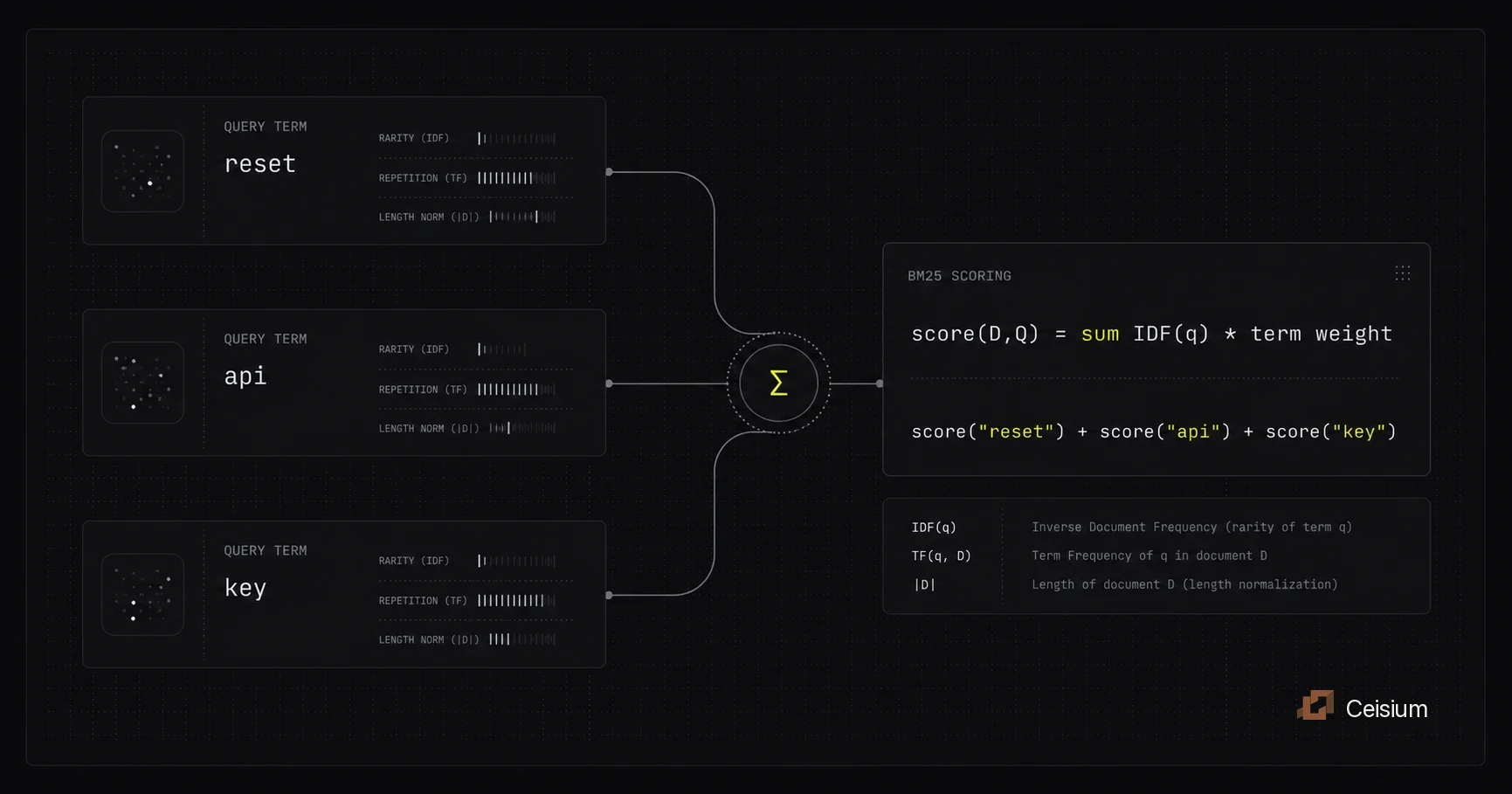
What is BM25? A Plain English Guide
BM25 is a keyword search ranking function that scores documents using term frequency, term rarity, and document length. Learn how it works, where it helps, and how it differs from TF-IDF.
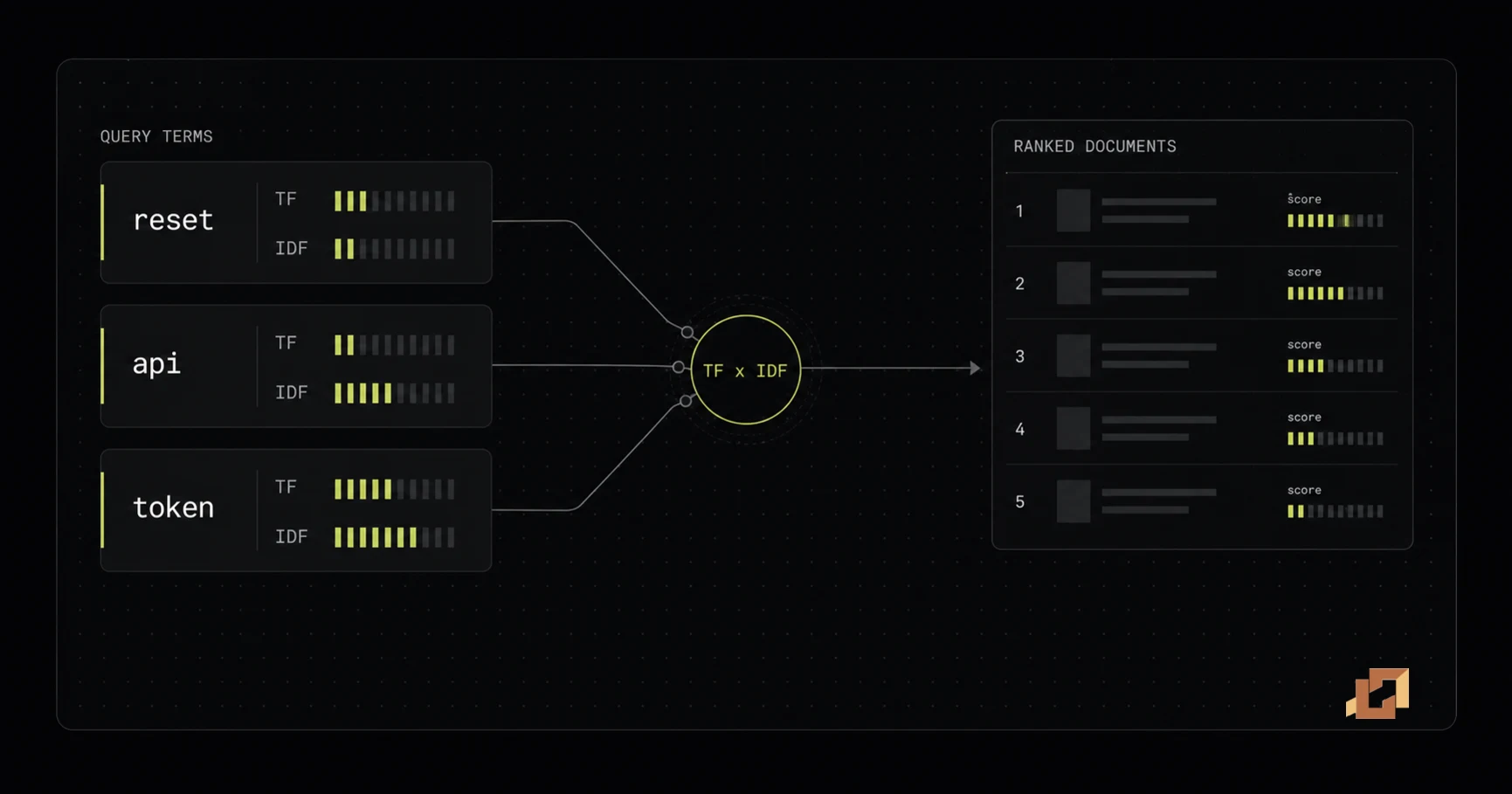
TF-IDF: The Search Ranking Idea Behind BM25
TF-IDF is a classic lexical ranking method that scores documents using repeated query words and rare query words. Learn how it works, where it helps, and how BM25 addresses some of its limits.