
For agents: Read llms.txt for the complete documentation and public content index. Request this page as Markdown.

Skip to main content
Ceisium logo Ceisium

Changelog

Product updates

Follow the changes that make website search easier to set up, easier to trust, and easier to keep current as your site changes.

Recent product updates

  1. Product

    Your docs, searchable by your users' AI agents
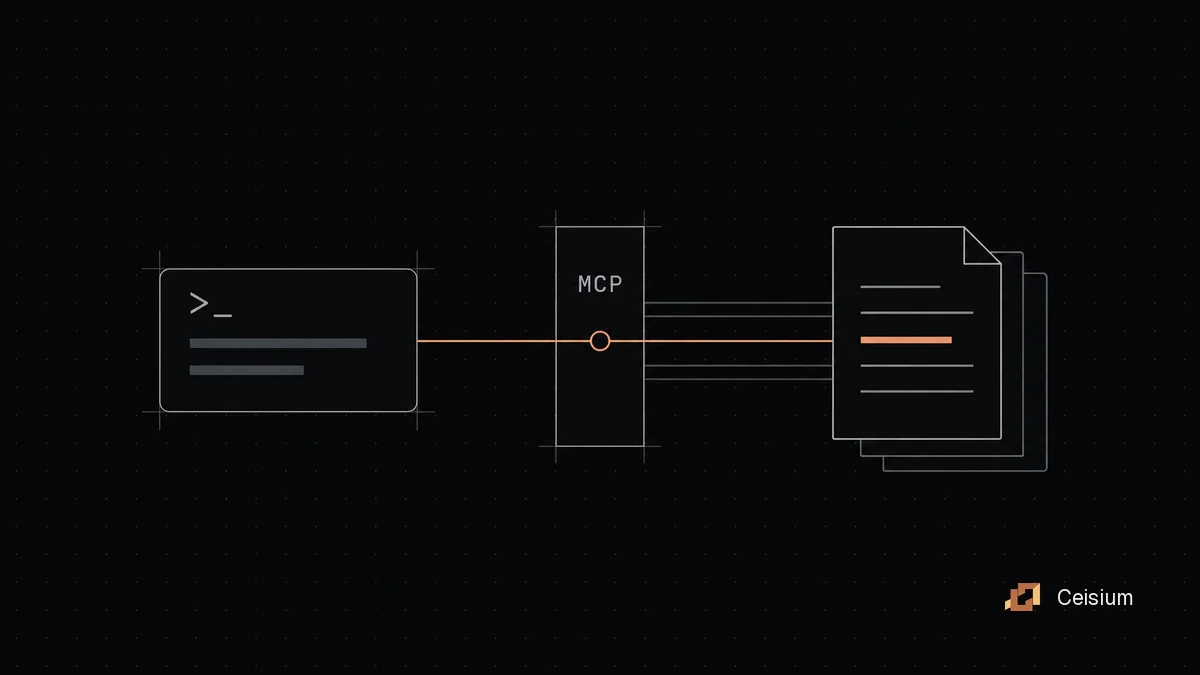
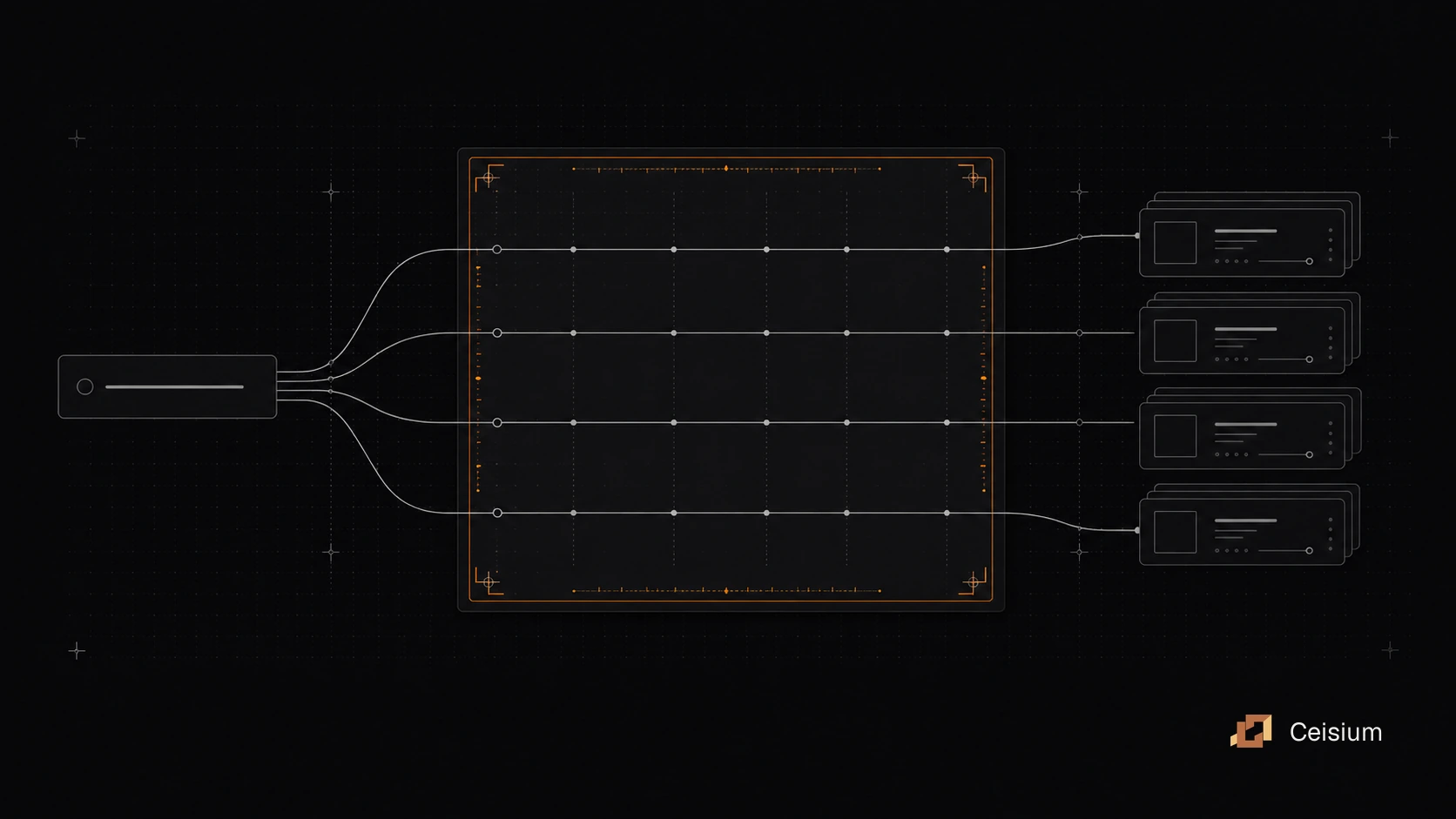
    An agent terminal connects through an MCP server to a stack of docs pages, with one copper path on a dark grid.

    Every Ceisium Search project now has an MCP server, so AI agents can search and read your website and docs.

    • Every project has its own MCP server, turned on by default.
    • Agents can search your pages, read a page, and report wrong or outdated pages.
    • Turn it off at any time under Installation → MCP server.
    Read update
  2. Search

    Clearer search results and API replies

    Broken gray line fragments pass a thin divider and become clean, evenly spaced rows, with the top row in copper and the Ceisium logo and name in the top-left corner.

    Clean snippets, a real relevance score, a flag for searches with no good match, the same order for the same search, and API errors that browser code can read.

    • Snippets keep code intact and leave out page buttons such as "Copy page".
    • The result score is now a real relevance value from 0 to 1, instead of position only.
    • Each reply flags when no page matches the query, and you can ask for an empty list in that case.
    • Repeated searches return the same order and run faster.
    • Browser code can read every Search API error, and more path prefix forms work.
    Read update
  3. Search

    Making Ceisium Search faster and more reliable

    Four search paths inside one shared measurement frame.

    Faster results, with a stronger foundation for reliable website search.

    • Client P95 was 978 ms in the latest India run, compared with 1,047 ms in September.
    • An expected page appeared in the first three results for 98.1% of queries, compared with 97.9% in the previous run.
    Read update
  4. Search

    Test search on localhost

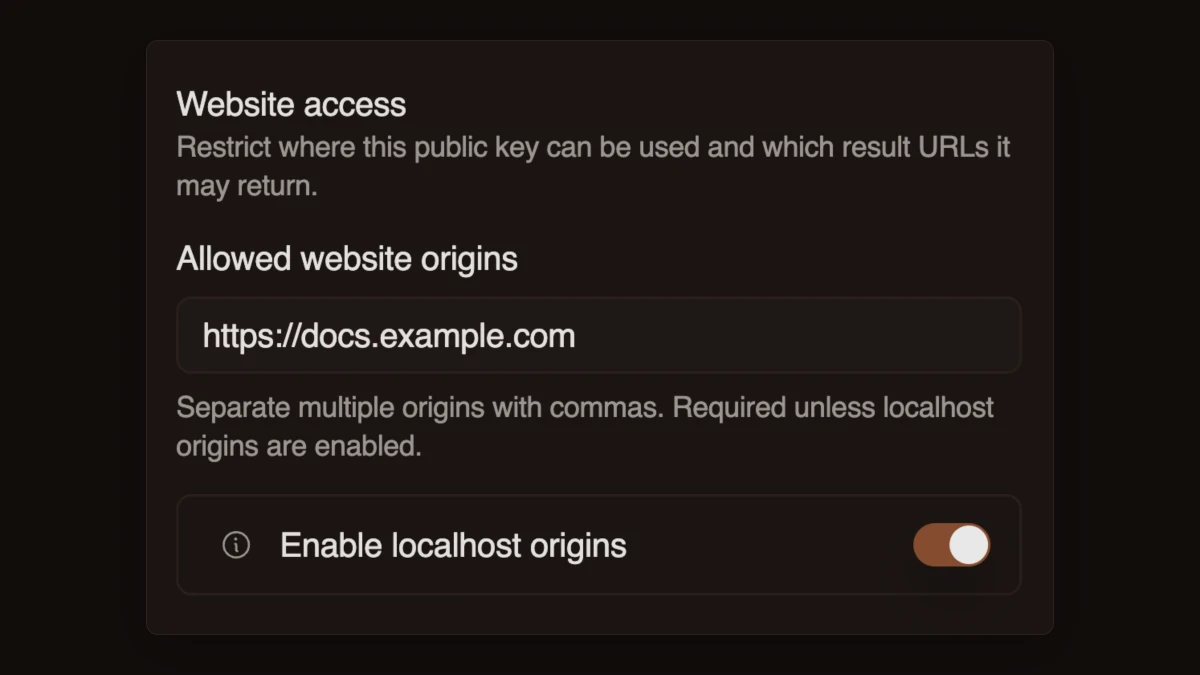
    Ceisium Search browser-key Website access settings with Enable localhost origins switched on.

    Enable local origins for a browser key and test your search integration without adding each development port.

    • Test locally without listing each development port.
    • Enable localhost origins for each new Browser/public key. Off by default.
    • Supports localhost, 127.0.0.1, and [::1] over HTTP or HTTPS on any valid port.
    Read update
  5. Search

    Cancel a crawl

    Cancel a queued or running crawl from Crawl logs or URL details in Ceisium Search.

    • Cancel from Crawl logs or URL details.
    • Pages in progress finish. Indexed pages stay searchable.
    • Saved settings and future schedules stay in place.
    Read update
  6. Search

    Faster search, better first results

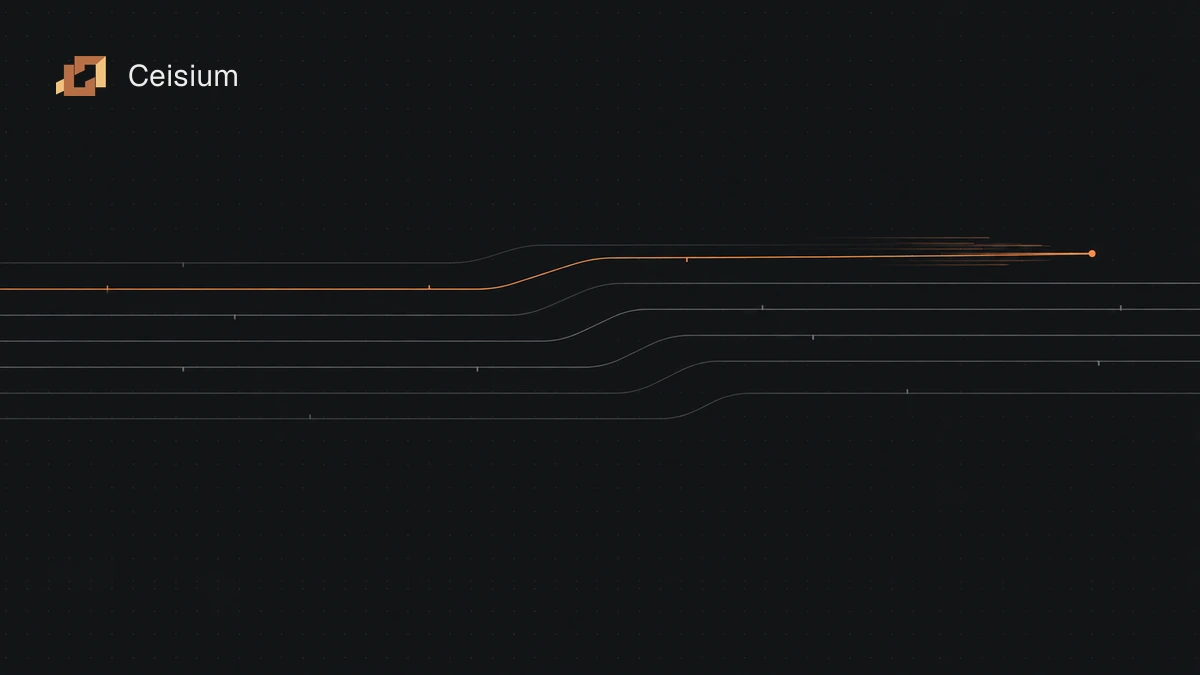
    A copper motion line leads thin gray parallel paths across a dark dotted grid, with the Ceisium logo and name in the top-left corner.

    Better first results and lower client response time, with no setup changes.

    • Primary answer first in 89.8% of searches in our 1,000-query Next.js benchmark, up from 81.9%.
    • Latest client P95 was 1,047 ms, compared with 1,983 ms in the published benchmark.
    • No changes to API calls, indexed content, or project settings.
    Read update
  7. Product

    Introducing Ceisium Search

    Copper Ceisium mark on a dark technical blueprint grid.

    YouTube-like search for your website.

    • Let visitors use vague words or describe what they want and still find the right page.
    • Search across docs, pricing, changelog, guides, blog, and product pages through an API or UI component.
    • Keep search aligned as content changes without making your team maintain search settings.
    Read update