


Your docs, searchable by your users' AI agents
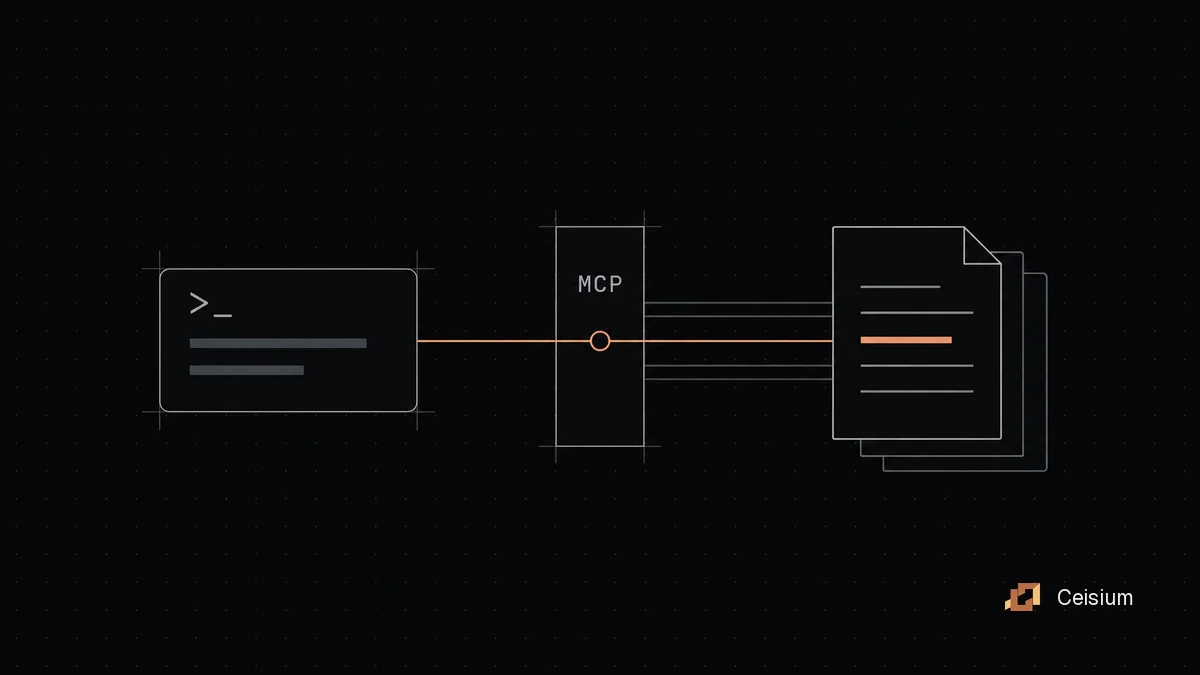
Every Ceisium Search project now has an MCP server, so AI agents can search and read your website and docs.
- Published
- Updated
Highlights
- Every project has its own MCP server, turned on by default.
- Agents can search your pages, read a page, and report wrong or outdated pages.
- Turn it off at any time under Installation → MCP server.
Many developers now ask an AI agent before opening your docs, and the agent often guesses or relies on outdated training data. With this update, those agents can search your indexed website using the same index and ranking as your search box.
Every Ceisium Search project now includes its own MCP server, with the URL ready in Installation → MCP server. Your users can connect that URL in Claude Code, Cursor, VS Code, Codex, ChatGPT, or Claude without an API key or sign-up. In Claude Code, for example, you can add it by replacing <server-id> with your project’s server ID:
claude mcp add --transport http example-docs "https://api.ceisium.com/mcp/<server-id>"What agents can do
Once connected, an agent gets three tools:
- search queries your indexed pages with the same ranking as your site search.
- fetch reads the full text of a page from your index.
- submit_feedback lets the agent flag a page that looks wrong, outdated, or confusing, and those reports show up in Analytics.
Access, billing, and controls
Agents can only read pages that are already in your project’s index and cannot edit your pages, index, or settings. The only thing an agent can write back is page feedback. On billing, each search call counts as one search toward your plan, while fetch and submit_feedback are free.
The MCP server is on by default, and you can turn it off at any time under Installation → MCP server. Requests to the URL stop working within 30 seconds of turning it off and stay blocked until you turn it back on.
The simplest intent-aware search for your website and docs
Compare your website's search with Ceisium Search for free